



AI Tools for Ecommerce Product Images
Frequently Asked Questions
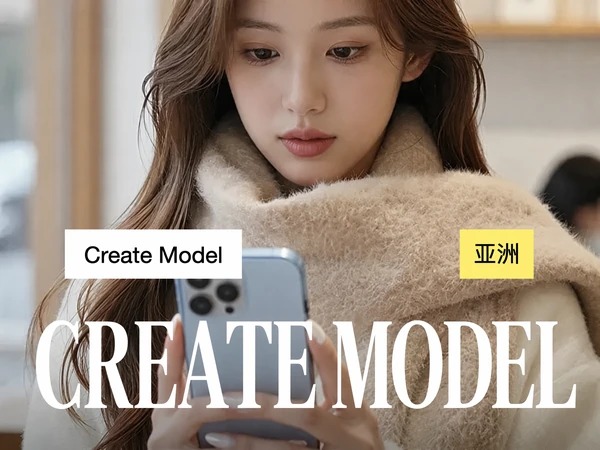
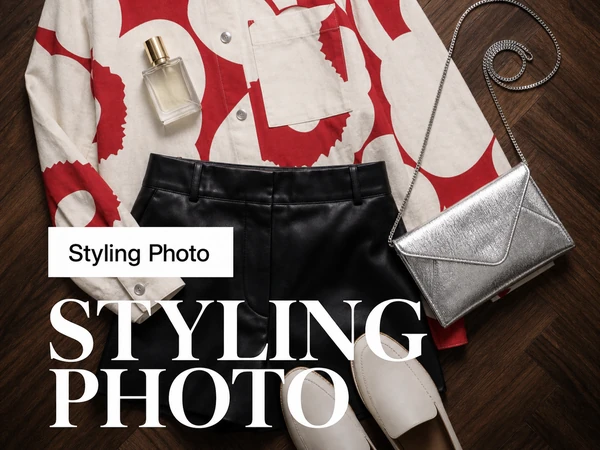
Generate product photos, lifestyle images, model visuals, and virtual try-on experiences for jewelry, fashion, eyewear, and more.
What is TheMiniTech AI Ecommerce Image Generator?
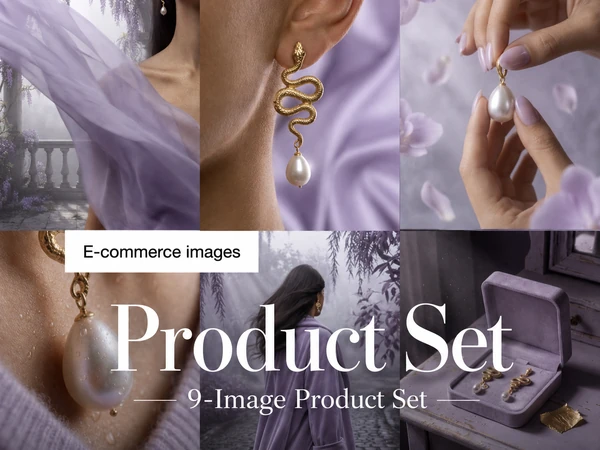
TheMiniTech is an AI-powered image generation platform designed for ecommerce businesses, brands, and online sellers. It helps create professional product images, lifestyle visuals, model photos, and virtual try-on images from existing product photos.
What types of products can I create images for?
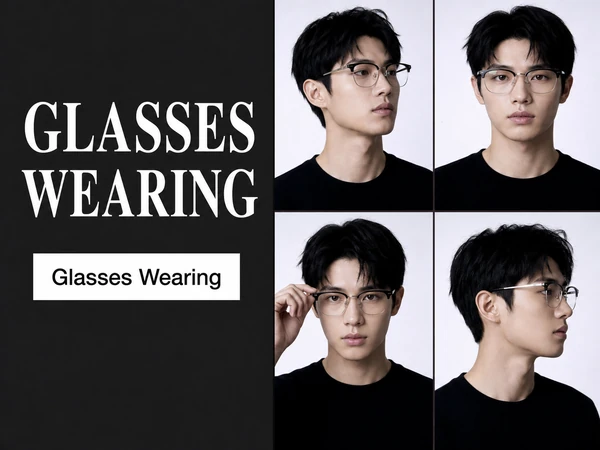
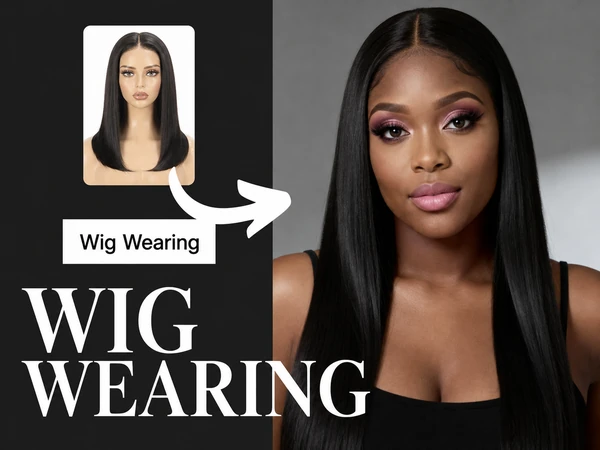
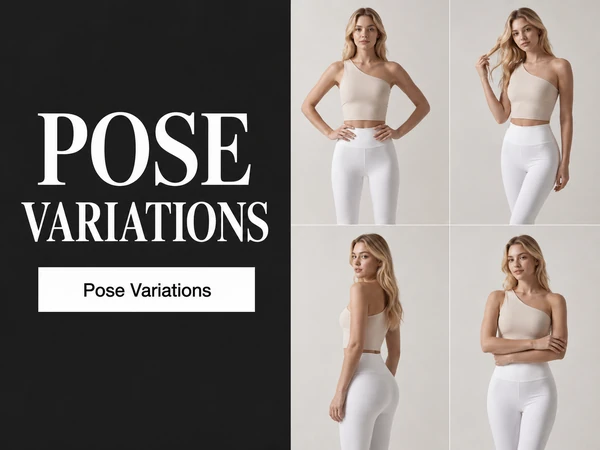
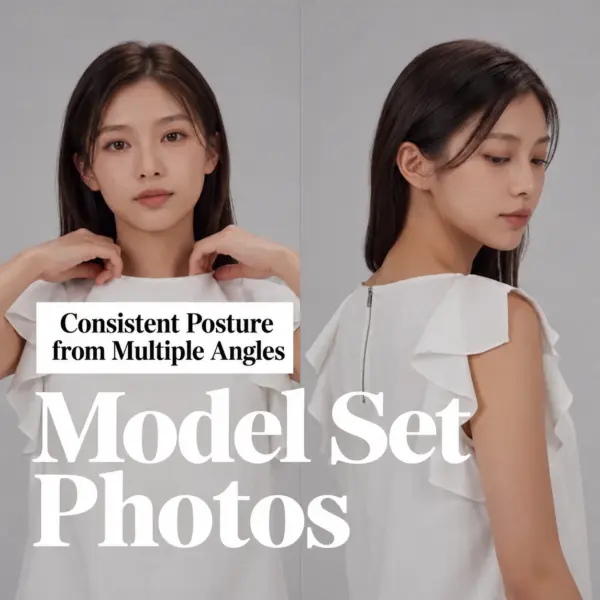
TheMiniTech supports a wide range of ecommerce products, including jewelry, glasses, wigs, clothing, shoes, bags, accessories, and other fashion products. You can create product photos, lifestyle scenes, and model-wearing images for different product categories.
Can AI generate ecommerce product photos from my existing images?
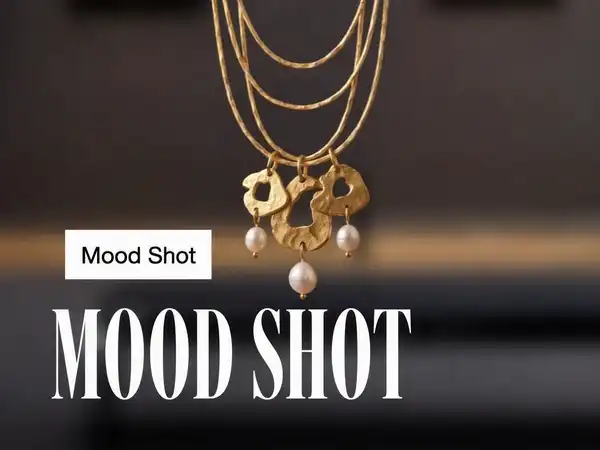
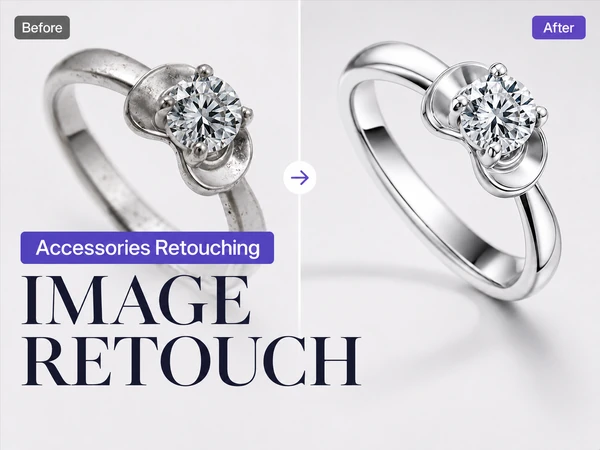
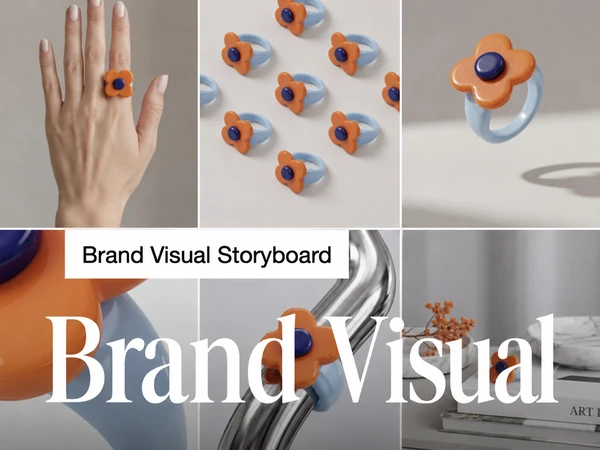
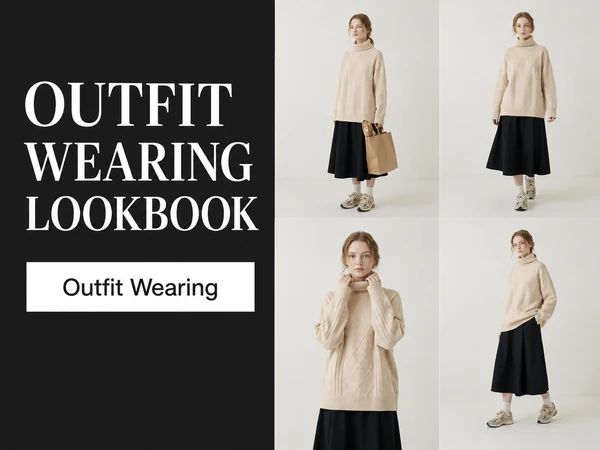
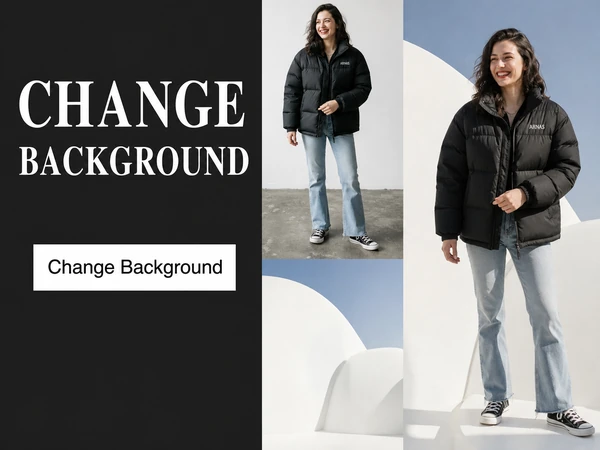
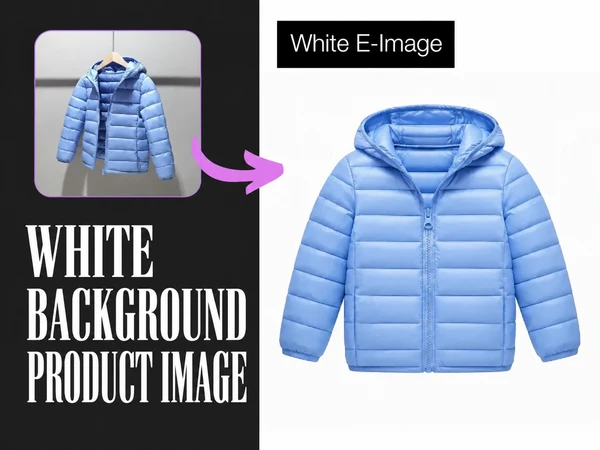
Yes. You can upload your existing product photos and use AI to create new ecommerce-ready visuals, including clean product images, lifestyle backgrounds, advertising images, and marketing content without preparing a traditional photoshoot.
Are AI-generated images suitable for commercial use?
Yes. AI-generated images created with TheMiniTech can be used for ecommerce stores, product listings, marketing campaigns, social media content, and other commercial purposes. Please make sure your usage follows the terms of the AI models and third-party services involved.
Can AI generate jewelry model images from a product photo?
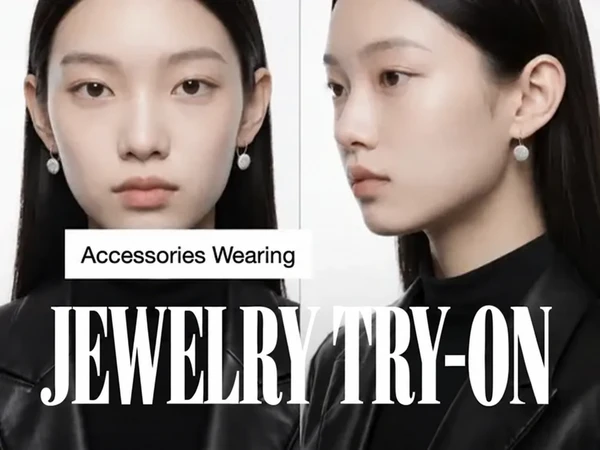
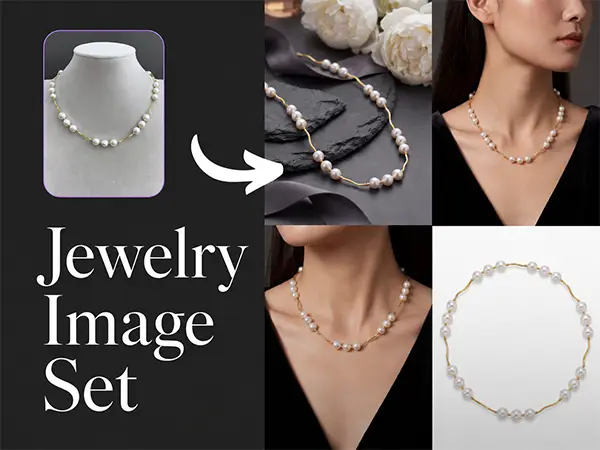
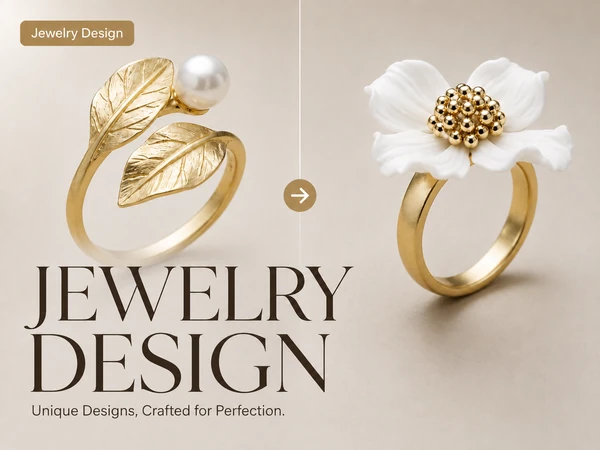
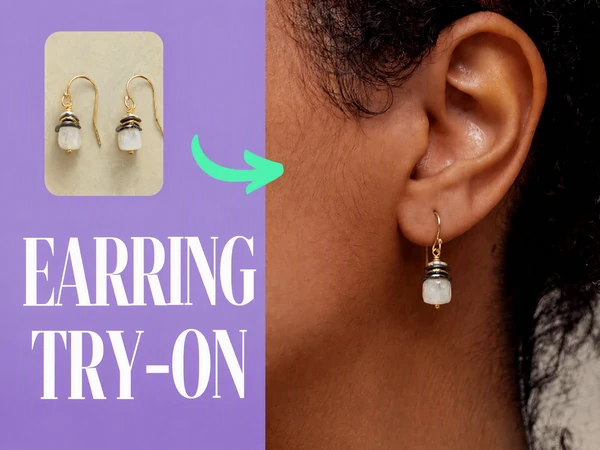
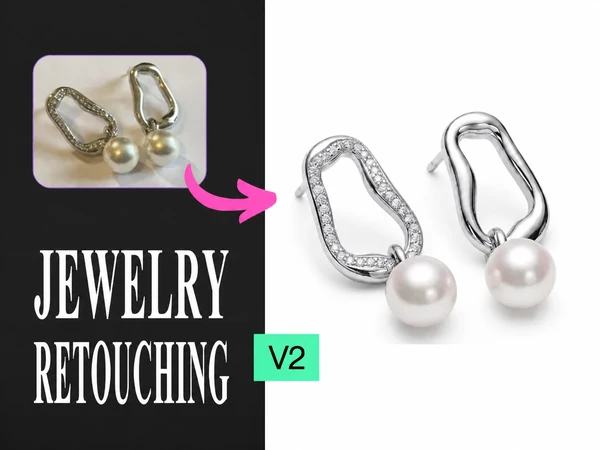
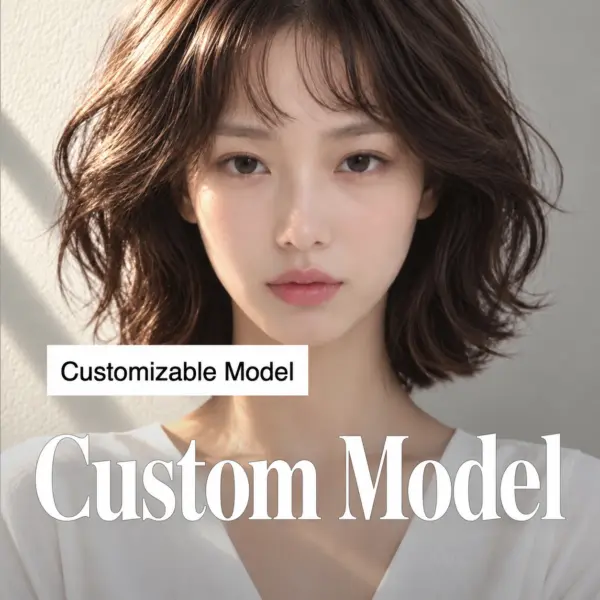
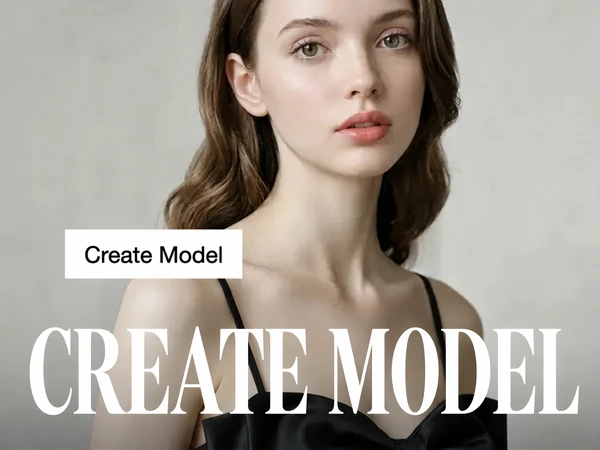
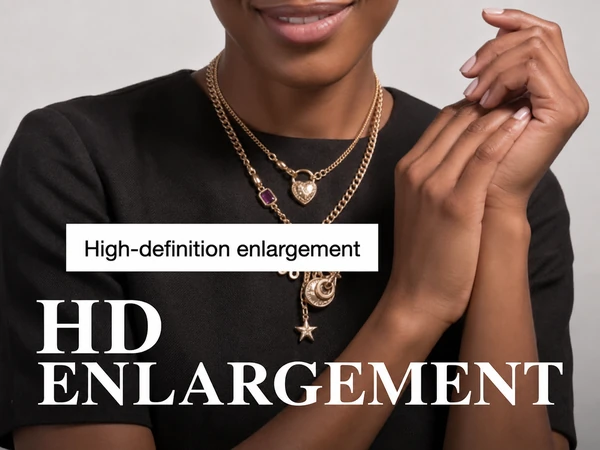
Yes. An AI Jewelry Image Generator can create realistic jewelry-wearing images from product photos. For example, a necklace can be shown on a model, earrings can be displayed on ears, and rings can be shown on hands.
However, the quality of the result depends greatly on the input image. For better product proportions and more realistic results, it is recommended to provide a reference image that includes a real wearing context.
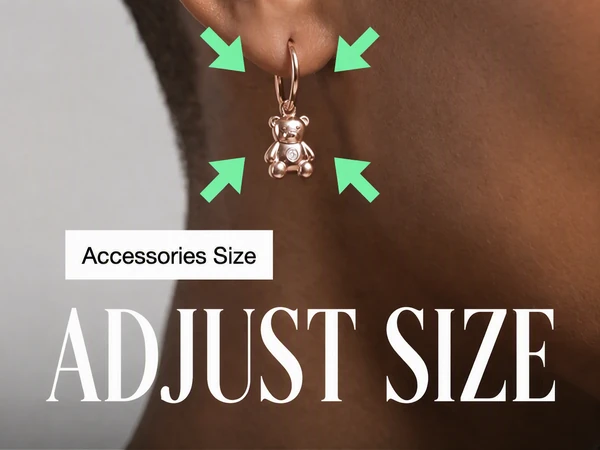
How can I keep the correct jewelry size and proportions in AI-generated images?
When using only a white-background product image, AI may have difficulty understanding the actual size of the jewelry because there is no physical reference.
For better results:
- Use a close-up wearing image as the input reference
- Include visible reference objects, such as ears, fingers, neck, or wrists
- Use a product wearing photo whenever possible
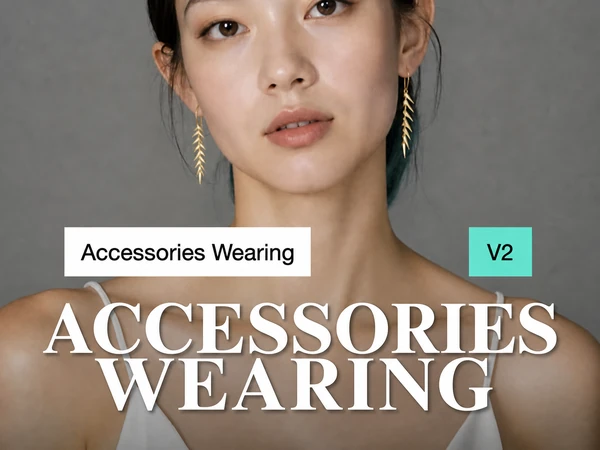
- Try the Virtual Try-On V2 mode for improved wearing accuracy
For example:
- Earrings → provide an ear-wearing close-up image
- Rings → provide a hand or finger reference image
- Necklaces → provide a neck and shoulder reference image
- Bracelets → provide a wrist reference image
These references help AI better understand product scale, placement, and perspective.
Do I need professional photography experience to use TheMiniTech?
No. TheMiniTech is designed for brands, sellers, designers, and creators who want to create professional ecommerce visuals without complex photography workflows. You can start with product images you already have and generate new visual styles quickly.
How does the credit system work?
TheMiniTech uses a credit-based system. Different AI tools may consume different amounts of credits depending on the generation type and processing requirements. You can check available credits and purchase additional credits from the pricing page when needed.
Which AI tools are available on TheMiniTech?
TheMiniTech provides various AI ecommerce tools, including:
- AI product image generators
- Jewelry image generators
- Virtual try-on tools
- Lifestyle image generators
- Product detail image generators
- AI design and creative image tools
New tools and features are continuously added.